> ## Documentation Index
> Fetch the complete documentation index at: https://docs.praxis-ai.com/llms.txt
> Use this file to discover all available pages before exploring further.
# Websites Examples
> Take a look at our partner sites featuring integration through the Web SDK.
## Example Sites
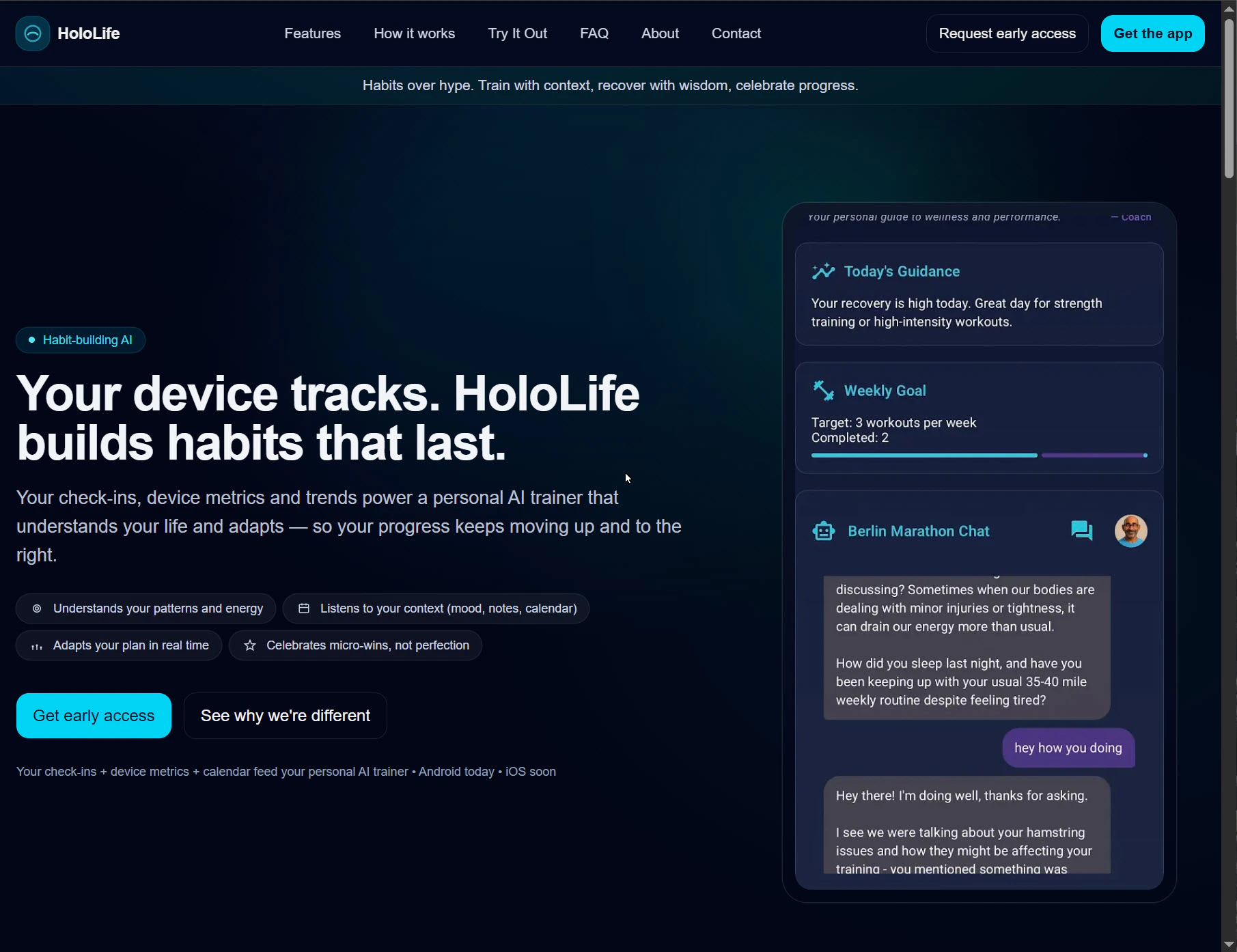
Explore how partner organizations embed Digital Twins using our Web SDK. Each site demonstrates a unique integration scenario, leveraging the flexibility of the SDK for varied user experiences.


 ## How Integration Works
All the showcased sites above leverage the flexibility of our Web SDK for Digital Twin deployment. Review the [integration guide](/mdx/integrations/web/introduction) for further technical details or see the [SDK Playground Example](https://pria.praxislxp.com/pria-sdk-web-sample.html) for live demonstrations.
The fastest way to embed a Digital Twin is the built-in **Integration Wizard** — it generates ready-to-use code (web page, React, Flask, Canvas, and more) with a live preview. Find it under **Instance Settings → Integration**. See the [integration guide](/mdx/integrations/web/introduction#fastest-path-the-integration-wizard).
## Accessibility Note
Each example includes an image description for users utilizing screen readers or requiring more accessible content.
***
## How Integration Works
All the showcased sites above leverage the flexibility of our Web SDK for Digital Twin deployment. Review the [integration guide](/mdx/integrations/web/introduction) for further technical details or see the [SDK Playground Example](https://pria.praxislxp.com/pria-sdk-web-sample.html) for live demonstrations.
The fastest way to embed a Digital Twin is the built-in **Integration Wizard** — it generates ready-to-use code (web page, React, Flask, Canvas, and more) with a live preview. Find it under **Instance Settings → Integration**. See the [integration guide](/mdx/integrations/web/introduction#fastest-path-the-integration-wizard).
## Accessibility Note
Each example includes an image description for users utilizing screen readers or requiring more accessible content.
***