


What is a Digital Twin?
Praxis AI introduces Digital Twins—intelligent, always-on AI consultants designed to amplify what people and organizations can do. Each Digital Twin is powered by advanced AI, personalized with distinct personalities, languages, voices, and expert knowledge, and acts as a 24/7 resource for learning, productivity, and operational assistance.Custom AI Persona
A Digital Twin is a virtual colleague combining deep expertise with a conversational, multi-lingual interface. It can reason, advise, and execute tasks—whether answering student questions, onboarding staff, or automating business processes.
Integrate Everywhere
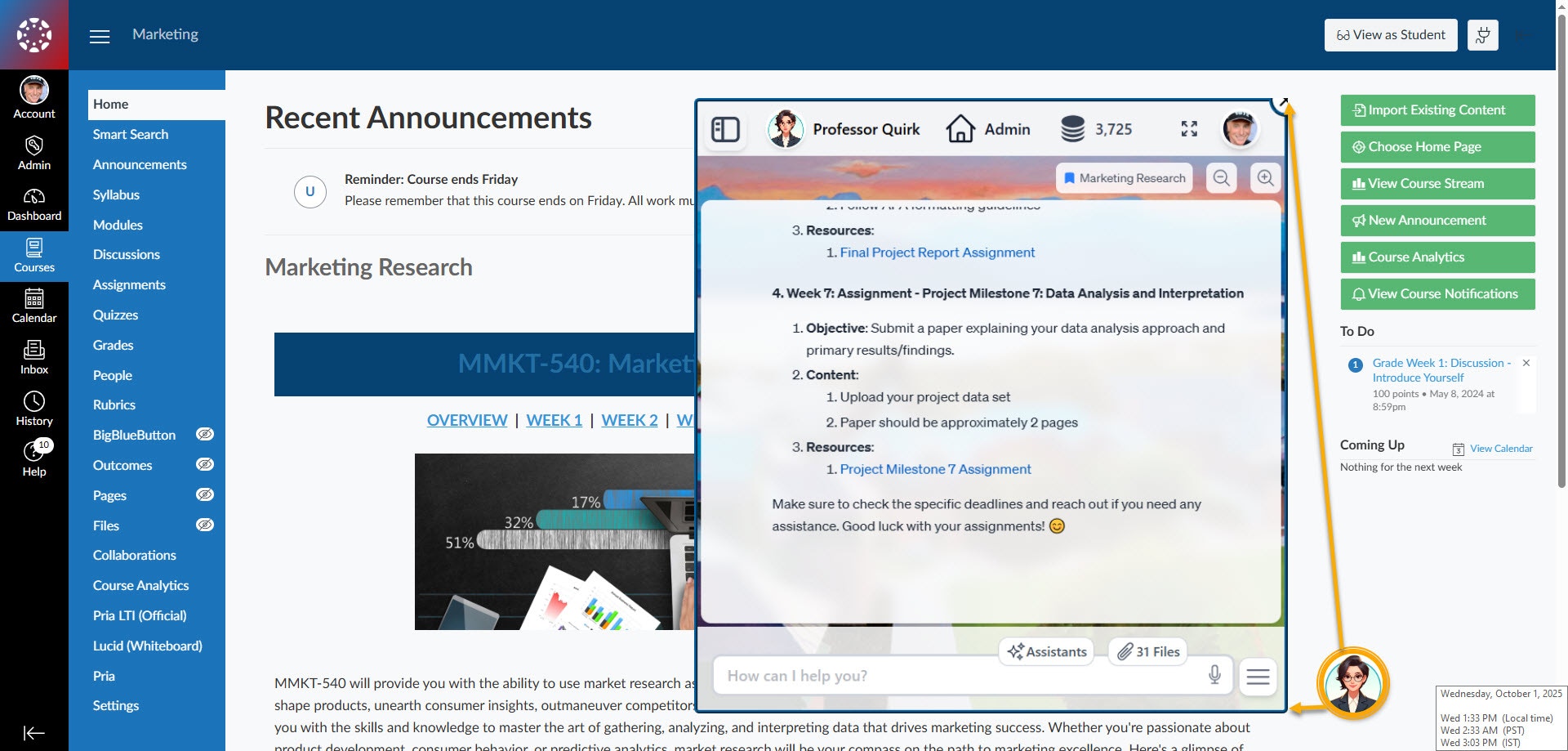
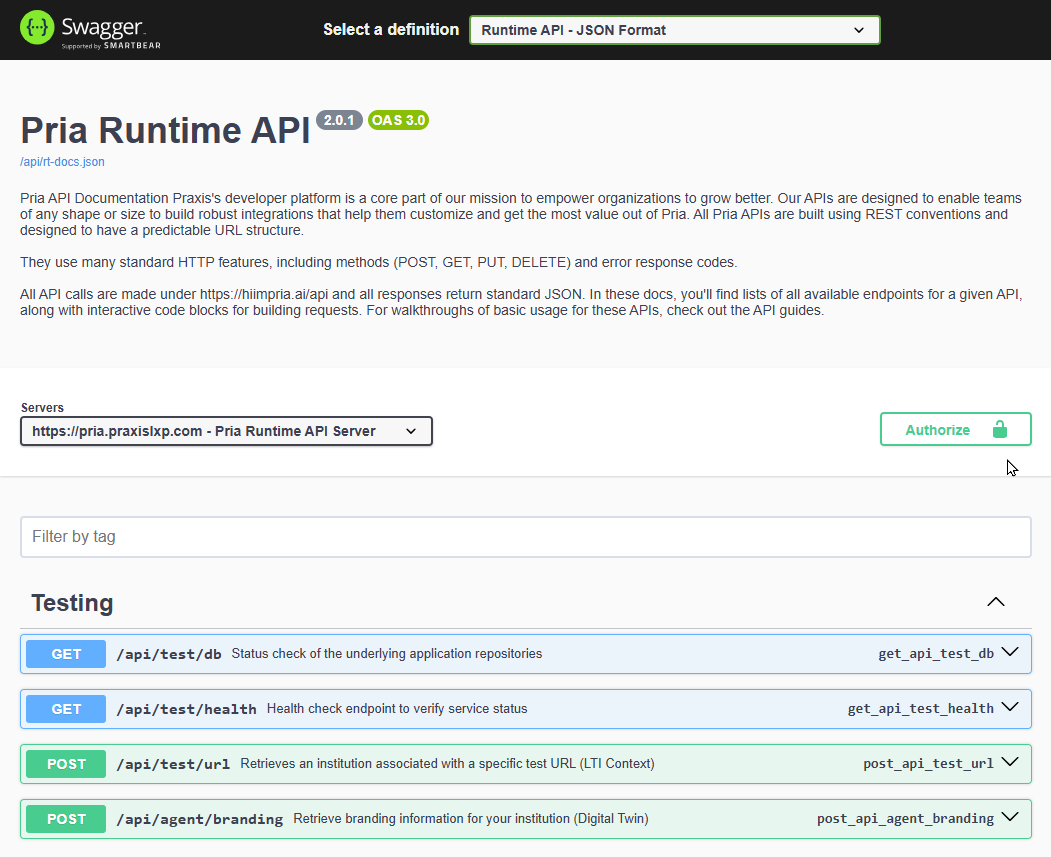
Seamlessly deploy into LMS platforms (Canvas, Moodle, Blackboard), Web Applications, AI Agentic Workflows (MCP), or virtually anywhere through REST APIs.
Immediate Benefits
Students get personalized coaching in 99+ languages. Teachers automate routine tasks. Organizations scale institutional knowledge 24/7 without scaling headcount.
Quick Start
Create an Account
Sign up for Praxis AI using Google, Facebook, or email.
Get Authorized
For security, new accounts require authorization. First-time creators should contact our team to request access.
Access Your Gallery
Once authorized, access the Digital Twin Gallery—your command center for creating, managing, and switching between Digital Twins.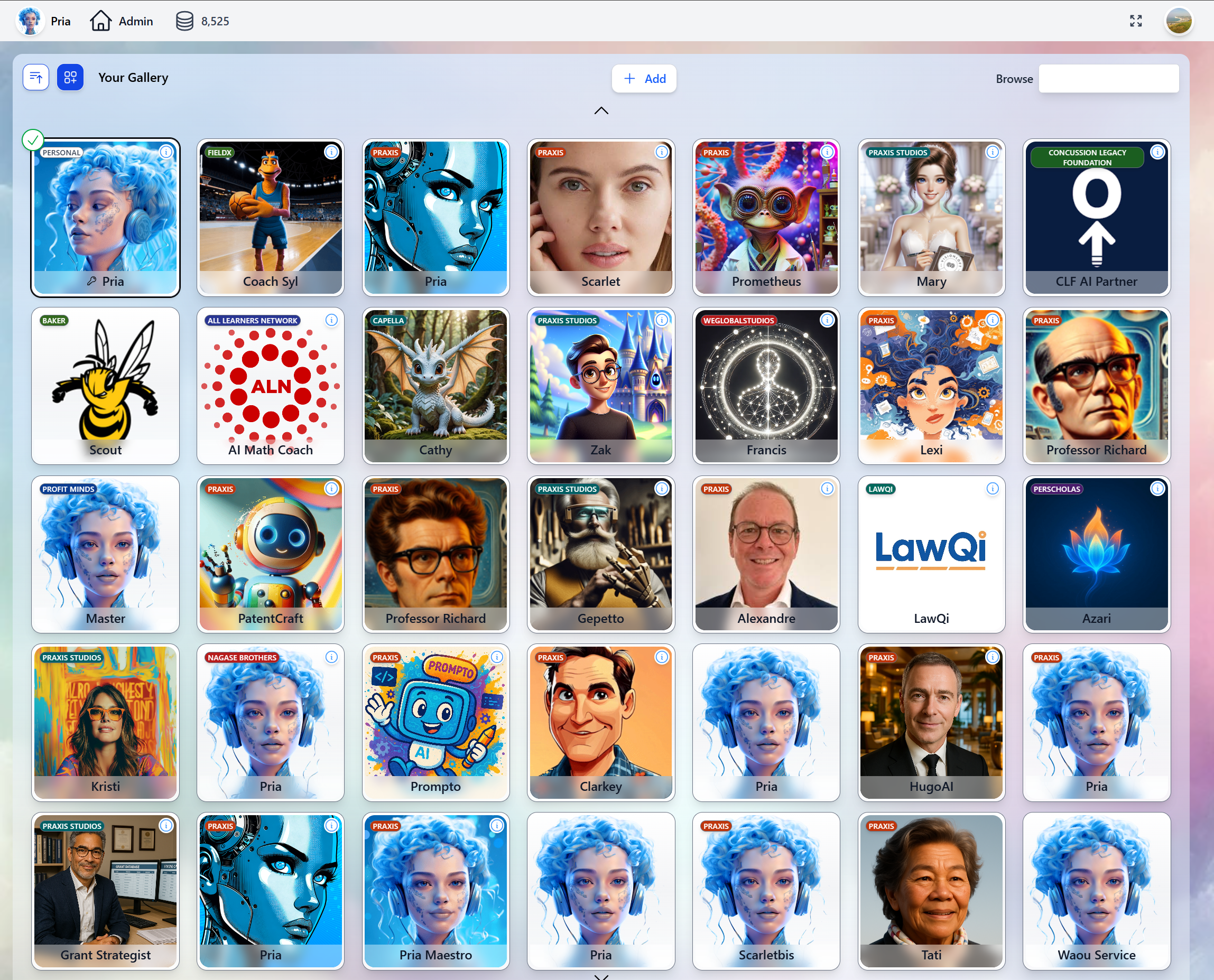
Meet Pria — Praxis AI’s flagship Digital Twin and the superior alternative to consumer AI assistants. Pria is uniquely designed to teach you practical skills that will make you the next generation of Prompt Engineers.
Create Your Digital Twin
New Users: Request via Intake Form
New Users: Request via Intake Form
Contact Us
Contact our team to get the invite link to the Digital Expert intake form on HubSpot.
Returning Users: Build with Gepetto
Returning Users: Build with Gepetto
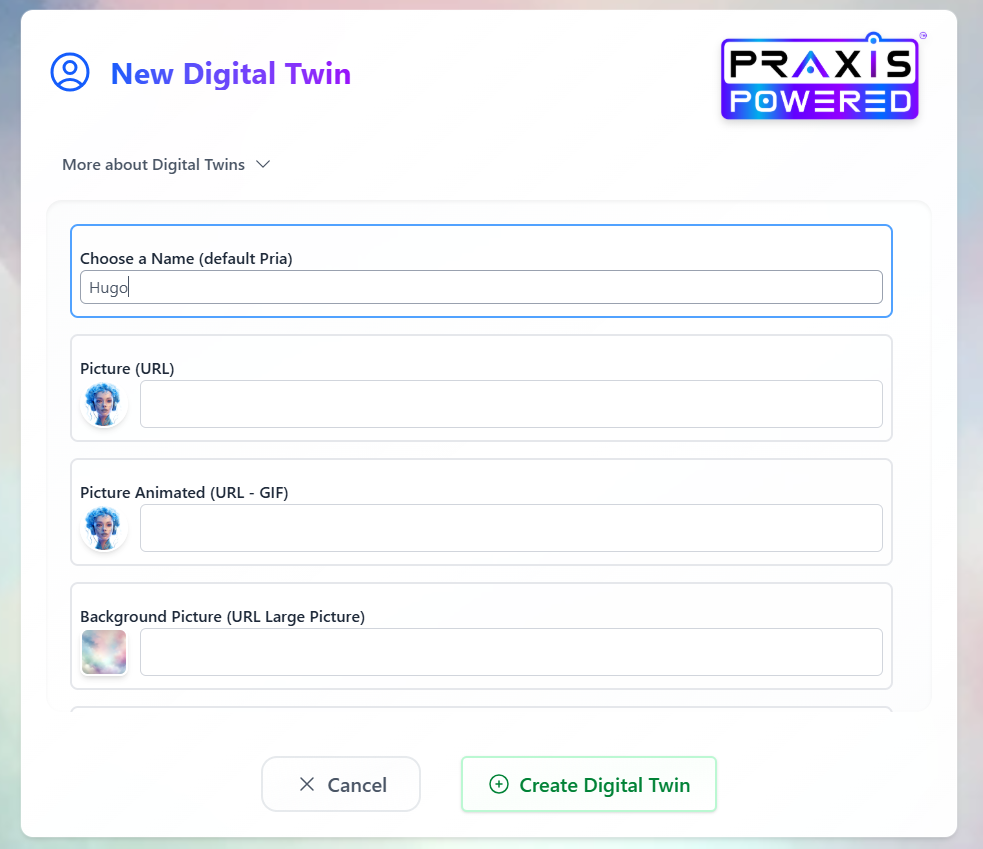
Admin users can create Digital Twins directly using Gepetto—our Digital Twin Creator.
Request Gepetto Access
Request access to add Gepetto to your gallery.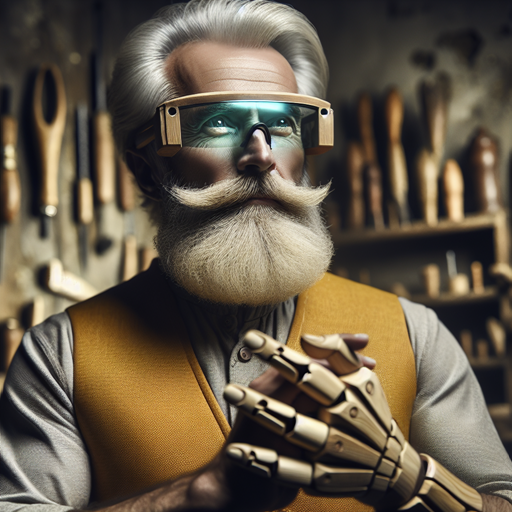
Launch Digital Twin Creation Assistant
Open Gepetto and click the Assistant button, then select Digital Twin Creation.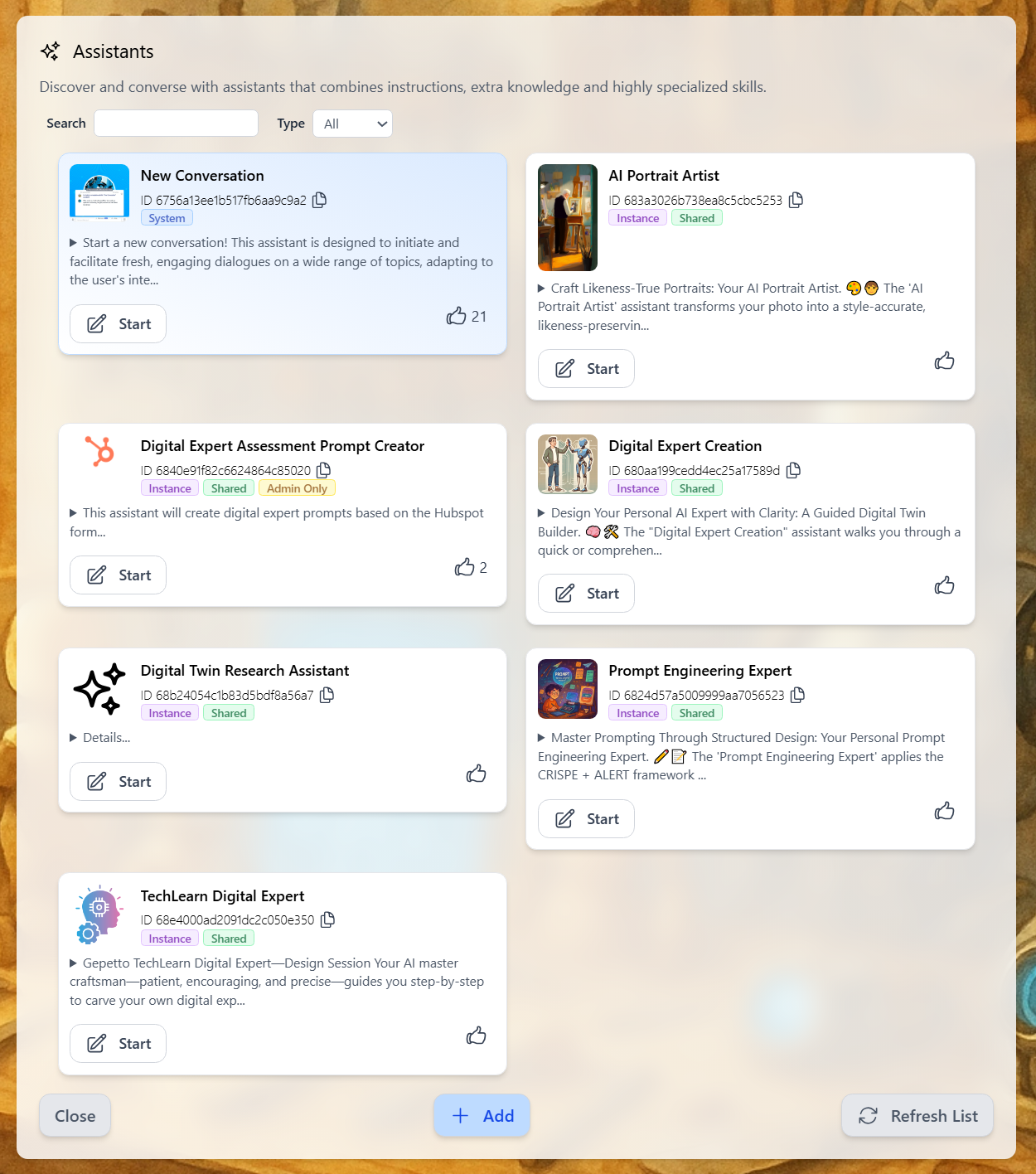
Generate Your Twin's Identity
Follow the assistant’s guidance to create your Twin’s prompt, name, and avatar images.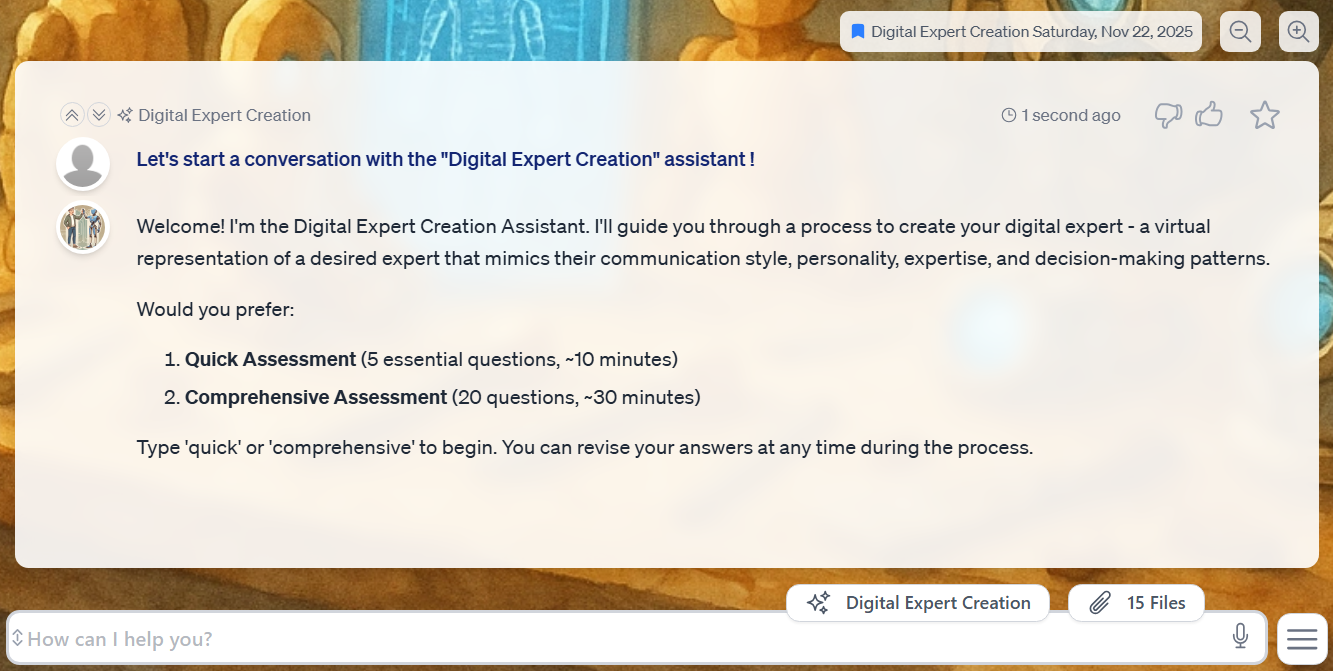
What Can Pria Do?
Answer Questions
Answer Questions
Detailed explanations on science, technology, history, culture, business, and more.
Research & Analysis
Research & Analysis
Computational tasks, market research, financial analysis using tools like Wolfram Alpha.
Creative & Design
Creative & Design
Generate images, create marketing materials, analyze visual content, brainstorm solutions.
Content & Media
Content & Media
Find videos, transcribe content, summarize presentations, organize media libraries.
Document Intelligence
Document Intelligence
Advanced vector search across your documents, databases, and knowledge repositories using RAG.
Personalized Memory
Personalized Memory
Remembers conversations, learns preferences, and adapts to your working style over time.
Platform Highlights
- Gallery
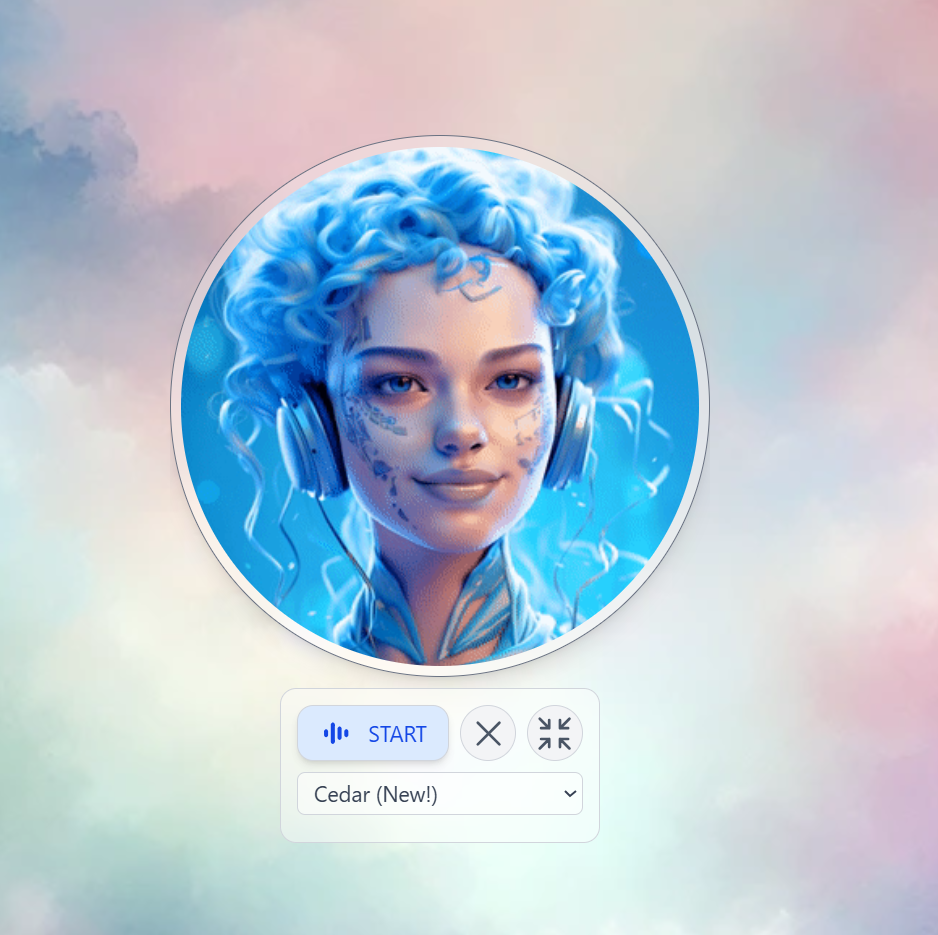
- Voice Conversations
- LMS Integration
- REST APIs
Access all Digital Twins from a single place. Create, switch, invite users, and manage branding.
Key Features
Global-Ready
Speak, read, and interact in 99+ languages with regional localization.
Always Available
24/7 support with instant, consistent, and accurate responses.
Knowledge-First (RAG)
Trained on your unique knowledge via secure IP Vaults and Retrieval-Augmented Generation.
Enterprise Security
SOC 2, FERPA, COPPA compliant with bank-level encryption and role-based access.
Administration & Management
Admins manage Digital Twins, users, conversations, and analytics through the Administrative Panel.- Digital Twins
- Users
- Conversations
- Analytics
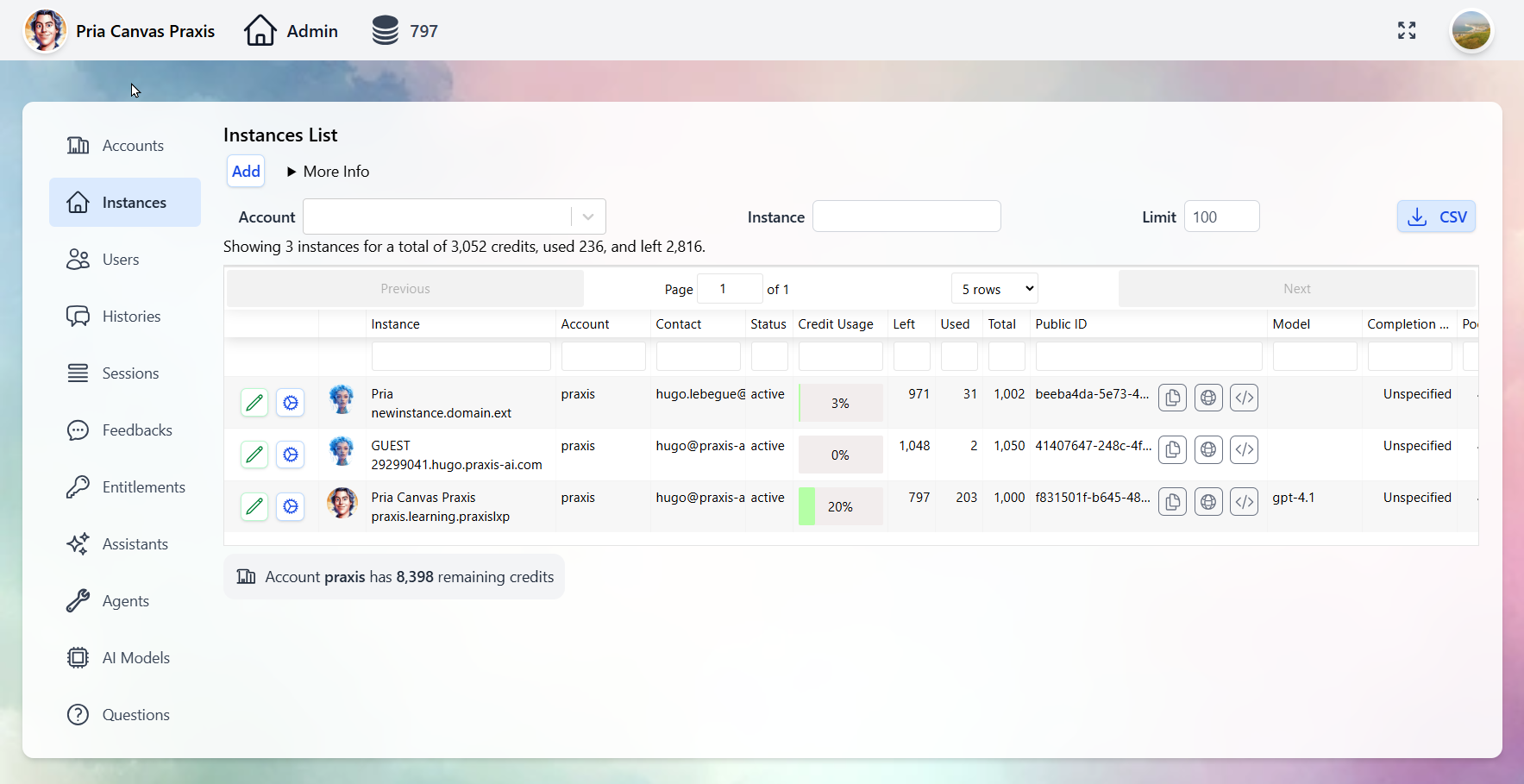
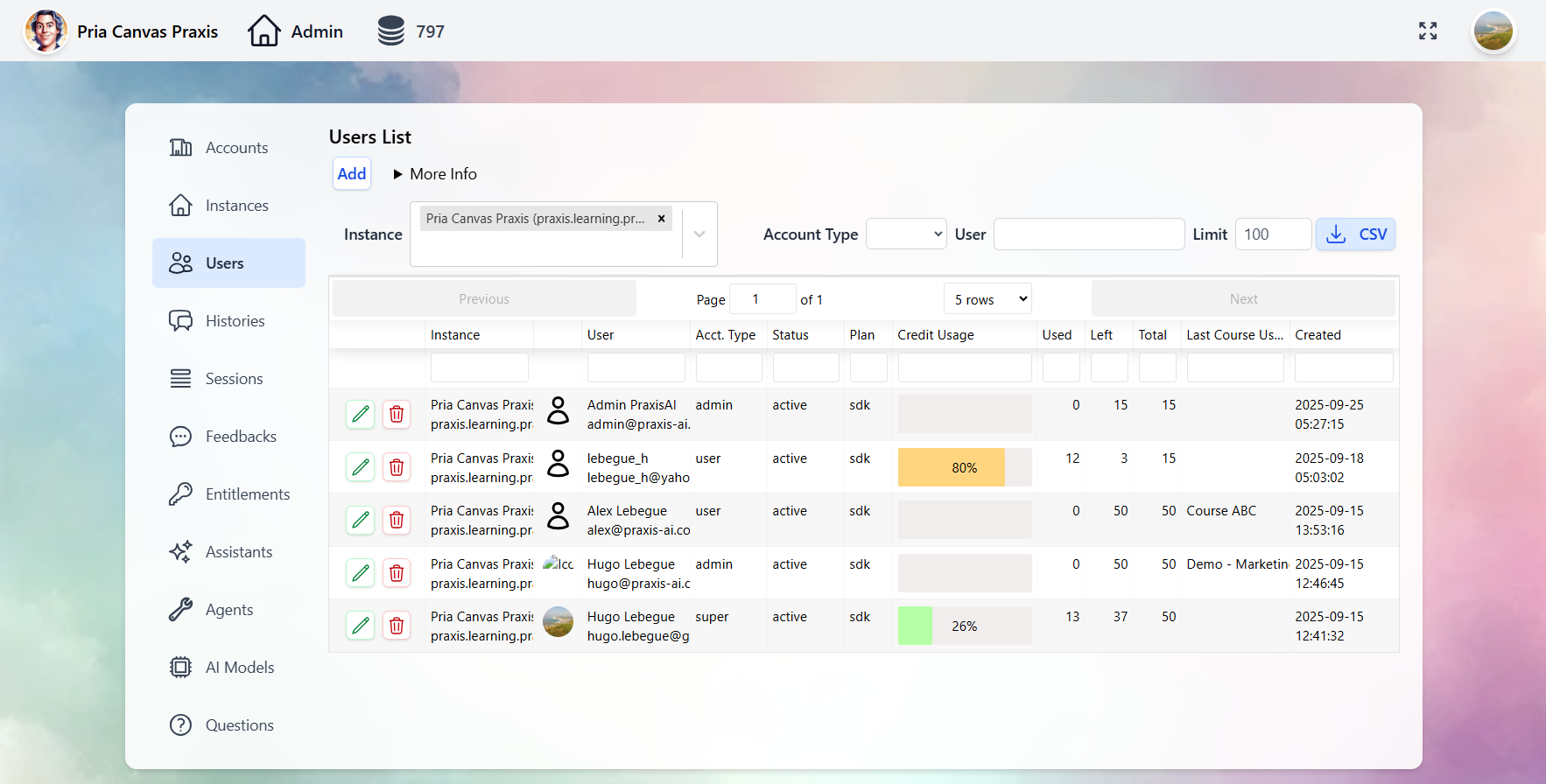
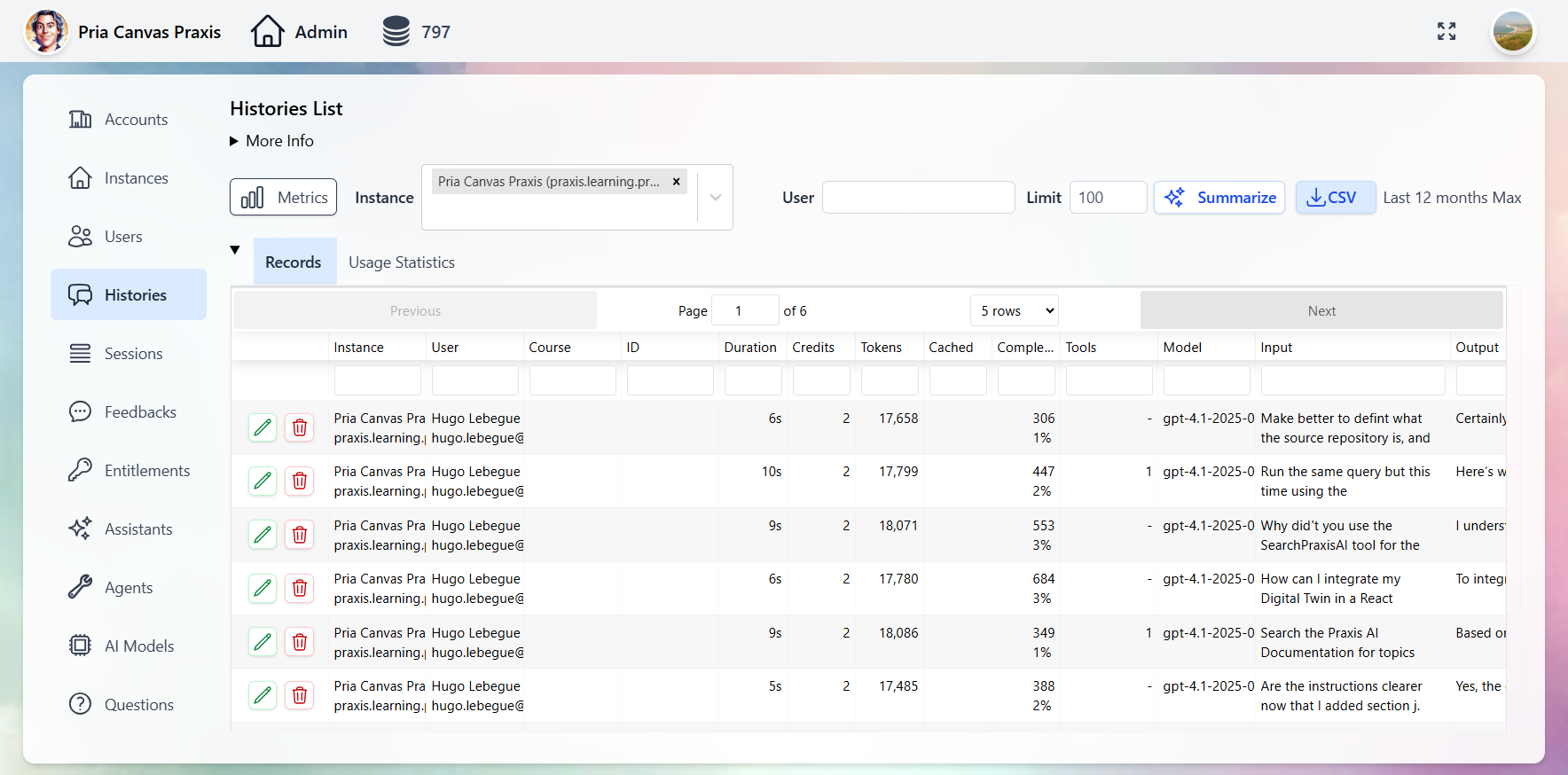
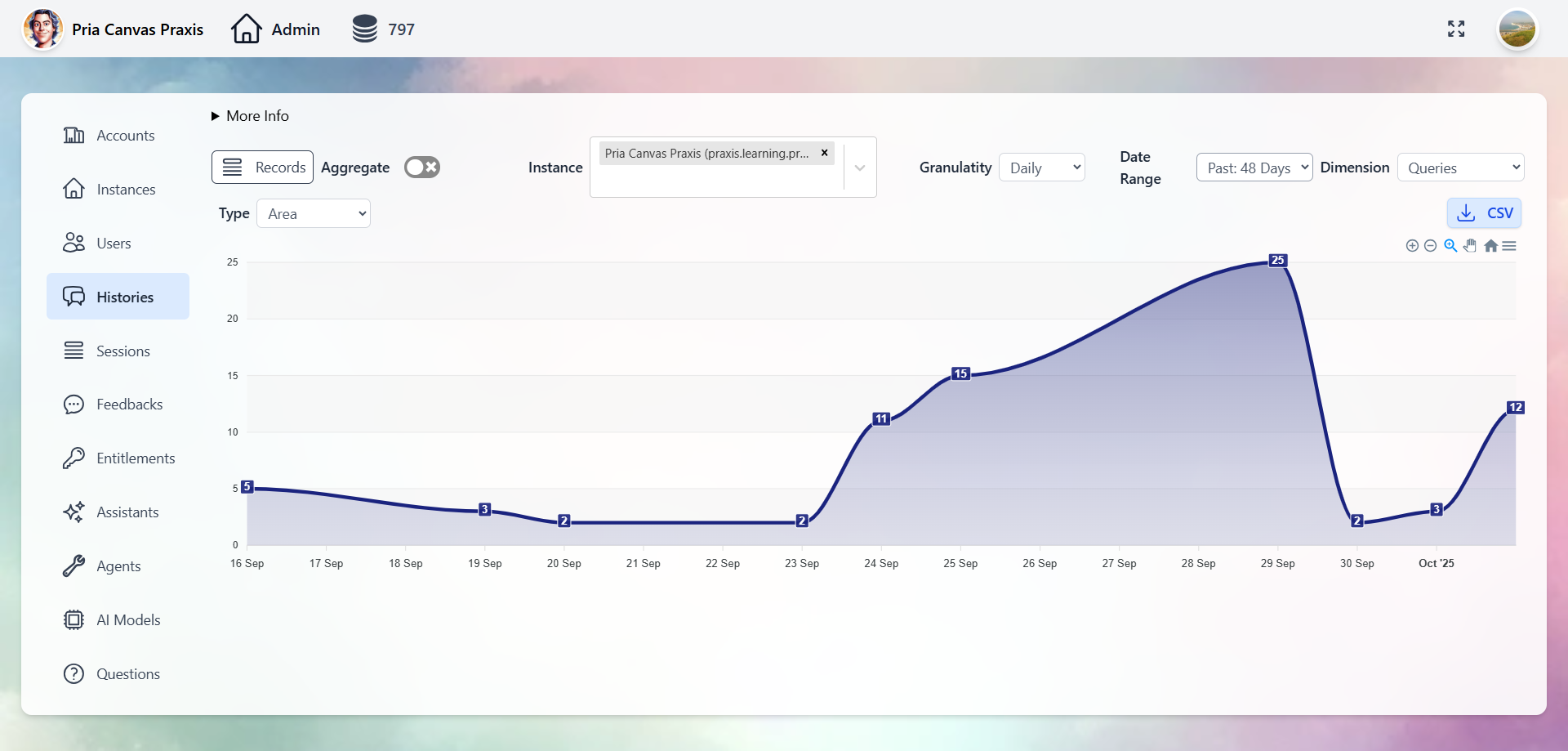
Use your institution’s branding to make Twins recognizable. See the Personalization guide.
Architecture Overview
Next Steps
Using the Interface
Learn how to communicate with your Digital Twin effectively.
Voice Conversations
Engage with real-time speech-to-speech features.
Create Assistants
Build custom assistants to automate workflows.
IP Vault & RAG
Train your Digital Twin on your proprietary content.