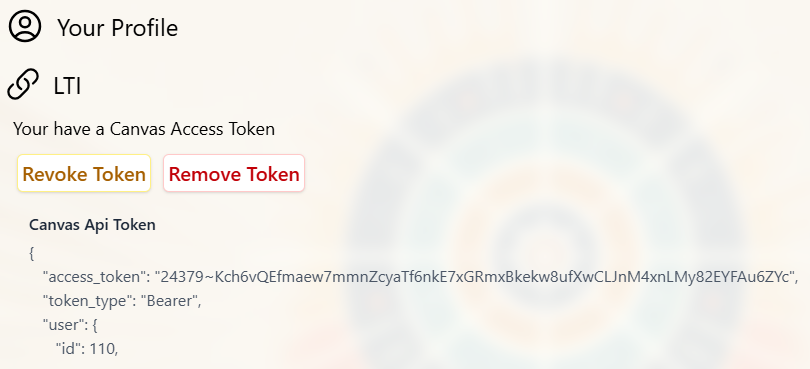
Connecting to Your LMS
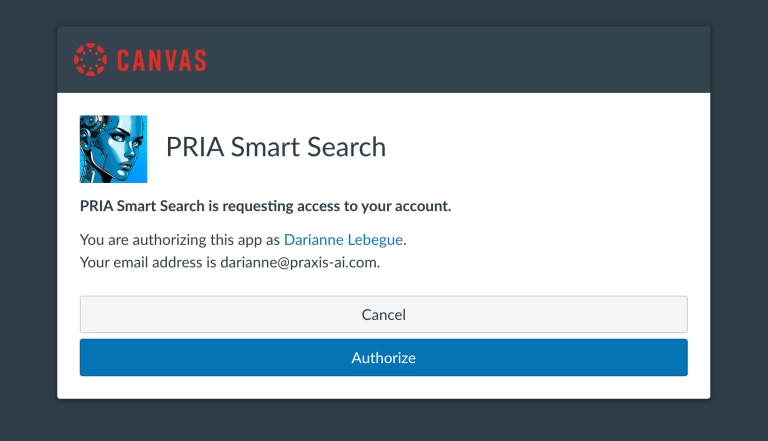
When configured by your institution, your digital twin can help you search for content on your LMS (Learning Management System such as Canvas, Praxis LXP, etc.). The LMS authentication process employs a secure OAuth 2.0 protocol that requests your explicit consent before accessing LMS REST APIs, ensuring you maintain complete control over your data while enabling seamless integration. Upon granting permission, the system generates a secure access token that facilitates all subsequent communications with your learning management system, eliminating the need for repeated authentication while maintaining industry-standard security protocols that protect your credentials and personal information throughout the entire interaction lifecycle.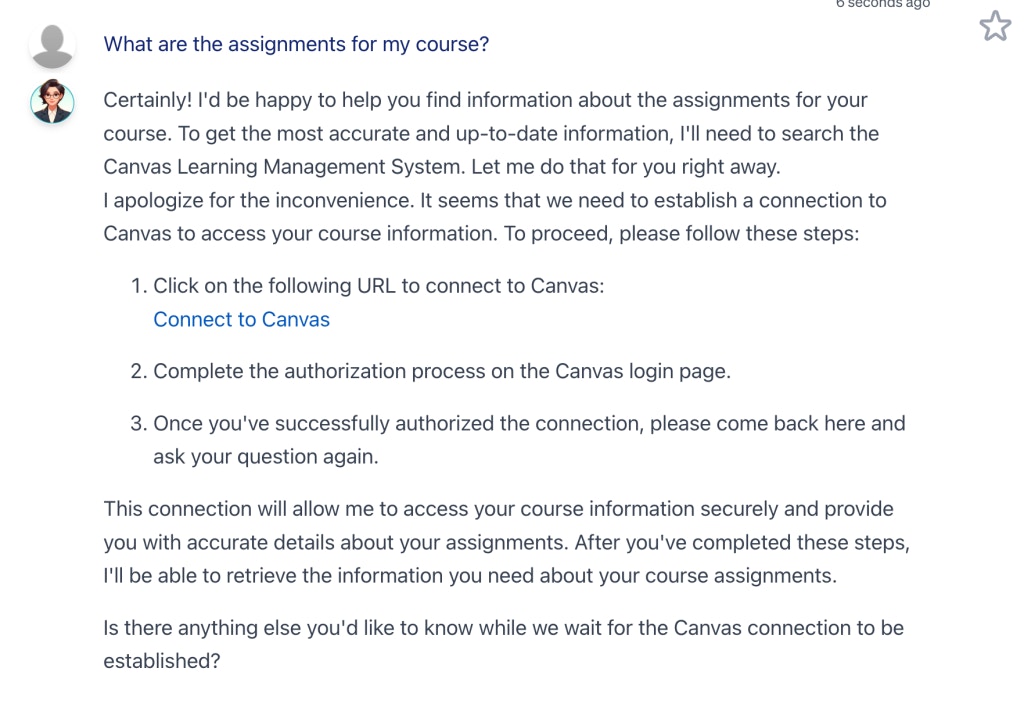
Return to Pria
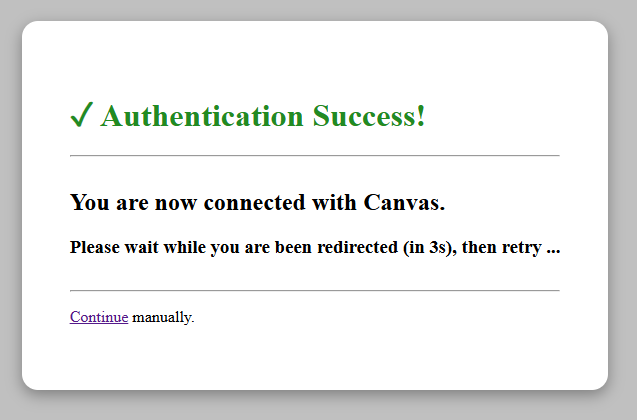
A new Authentication request completed successfully! message is added to the list, and an access token is now visible in green (active) on the input bar.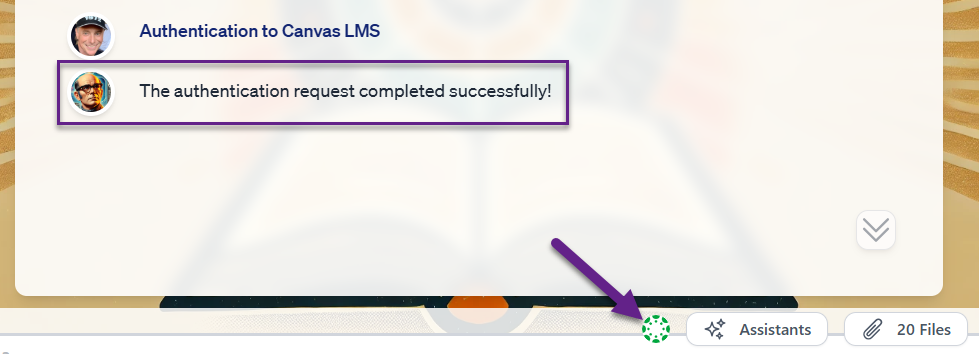
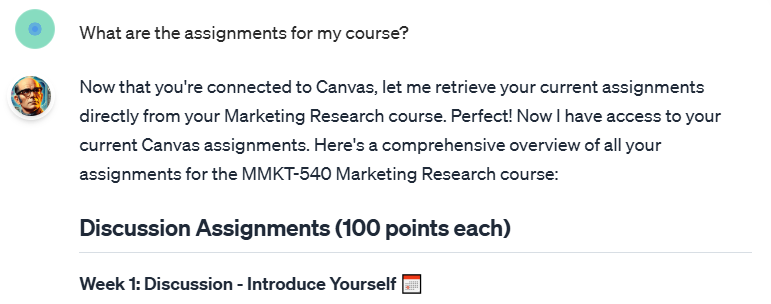
Your access token maintains a 60-minute validity period and automatically refreshes upon expiration through a transparent background process, ensuring uninterrupted access to your learning management system without requiring manual re-authentication or disrupting your workflow, thereby providing a seamless and secure user experience that balances robust security protocols with optimal usability.