

Understanding Assistants
Assistants are specialized AI tools that focus on specific tasks or domains. They extend your digital twin’s capabilities by providing targeted expertise for particular workflows.Examples of What Assistants Can Do
How to Use Assistants
Accessing the Assistant Library
Click the Assistants button in the bottom-right corner of the interface.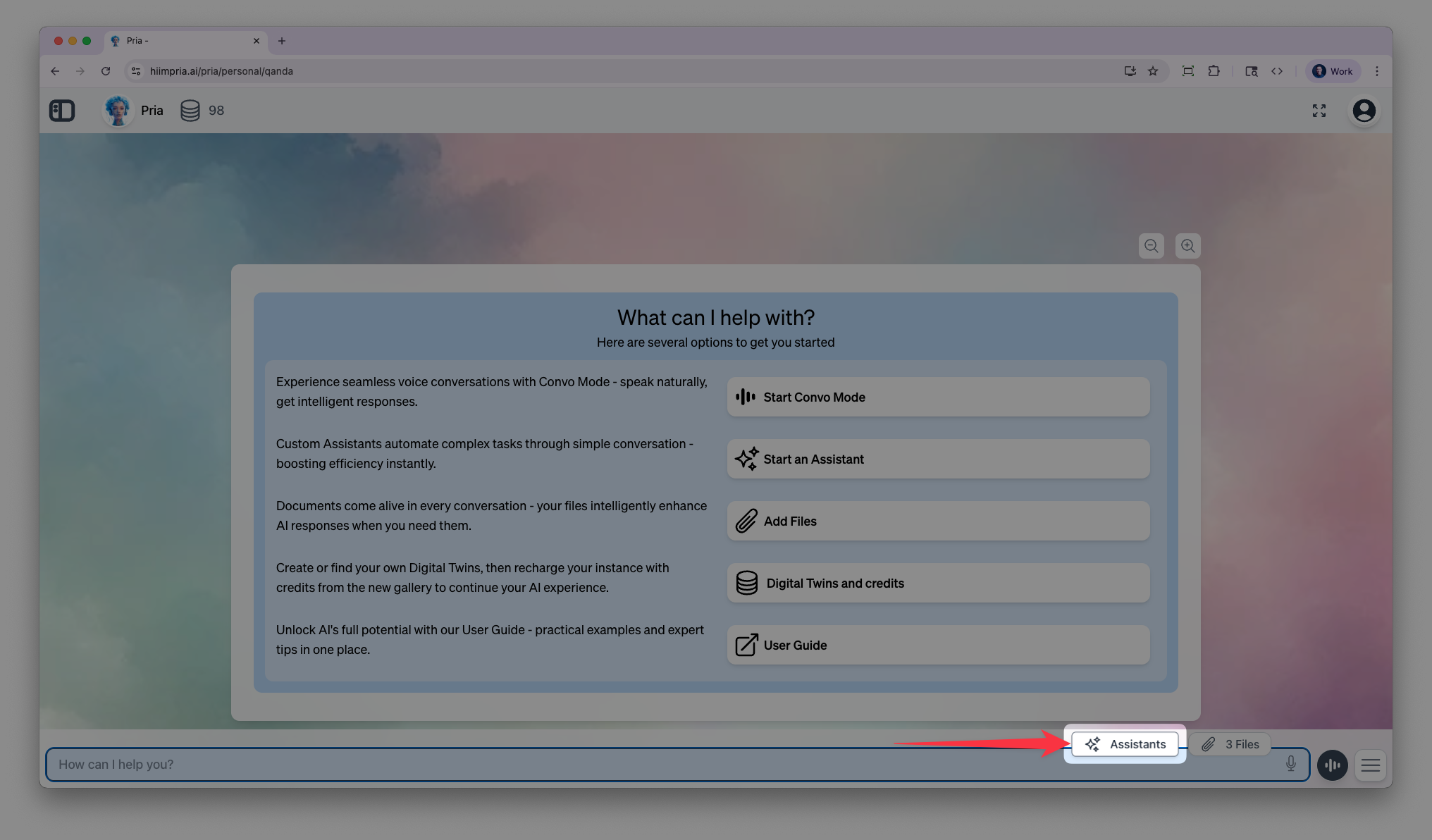
![The [+] action menu expanded with the Assistants option selected.](https://mintcdn.com/praxisai/ibcwyLwL5tldF2mQ/images/user-guide/assistants-personalization/assistants-plus-menu.webp?fit=max&auto=format&n=ibcwyLwL5tldF2mQ&q=85&s=82f5282fd6e6084871686d418979de33)
Opening Assistants from the [+] action menu on the input bar.
Browsing Available Assistants
Your digital twin comes with pre-built assistants. You can enable, disable, or create your own.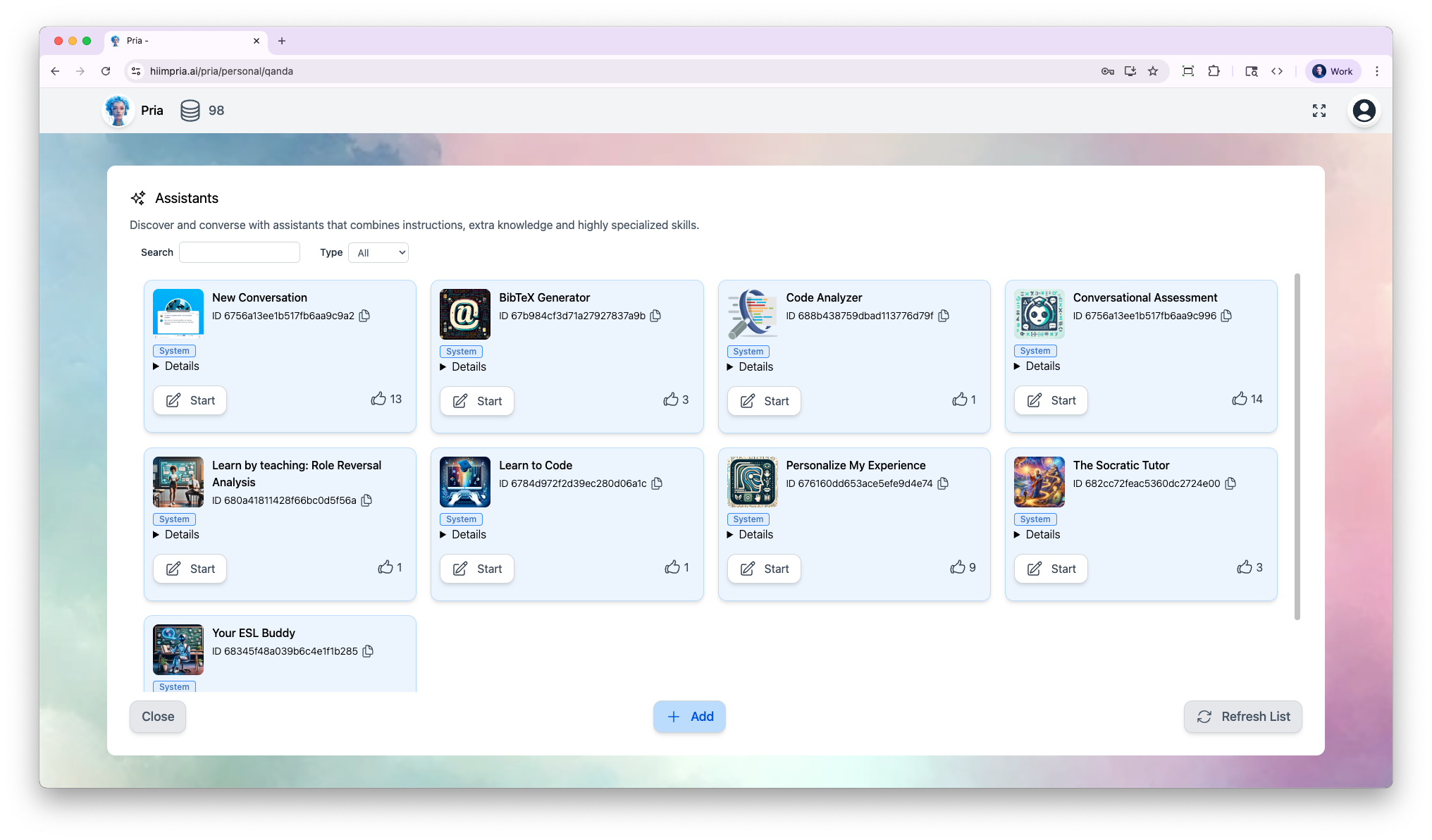
- Favorite an assistant with the ⭐ star — favorites appear in the chat sidebar’s Favorites section for one-click access.
- Switch views between grid, list, and table layouts; your choice and filters are remembered.
- Manage (⋮ menu on assistants you can manage): Edit Assistant, Copy Assistant ID, or Delete Assistant.
Starting a Conversation
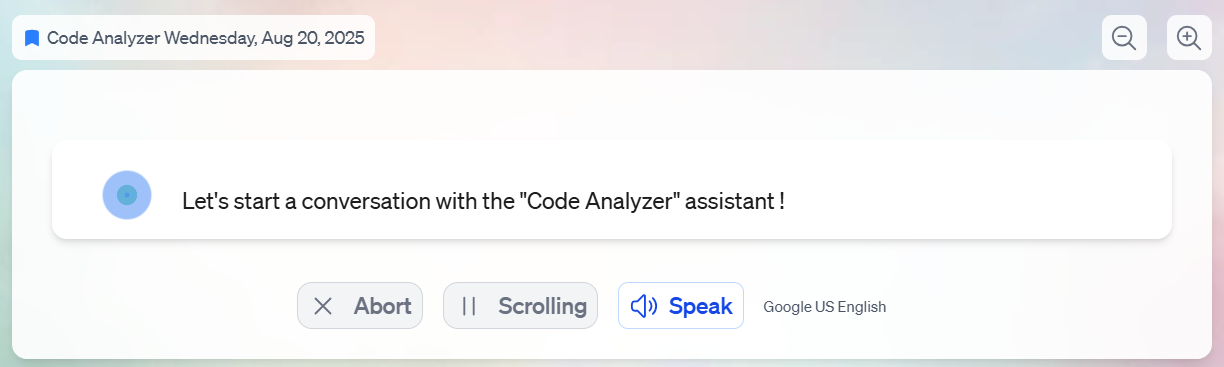
Select an assistant to begin a specialized conversation. The assistant’s instructions guide every response in that thread.
Creating Your First Assistant
You can create custom assistants tailored to your specific needs. Here’s a quick walkthrough:1
Open Assistants
Click the Assistants button to open the Assistants page
2
Add New
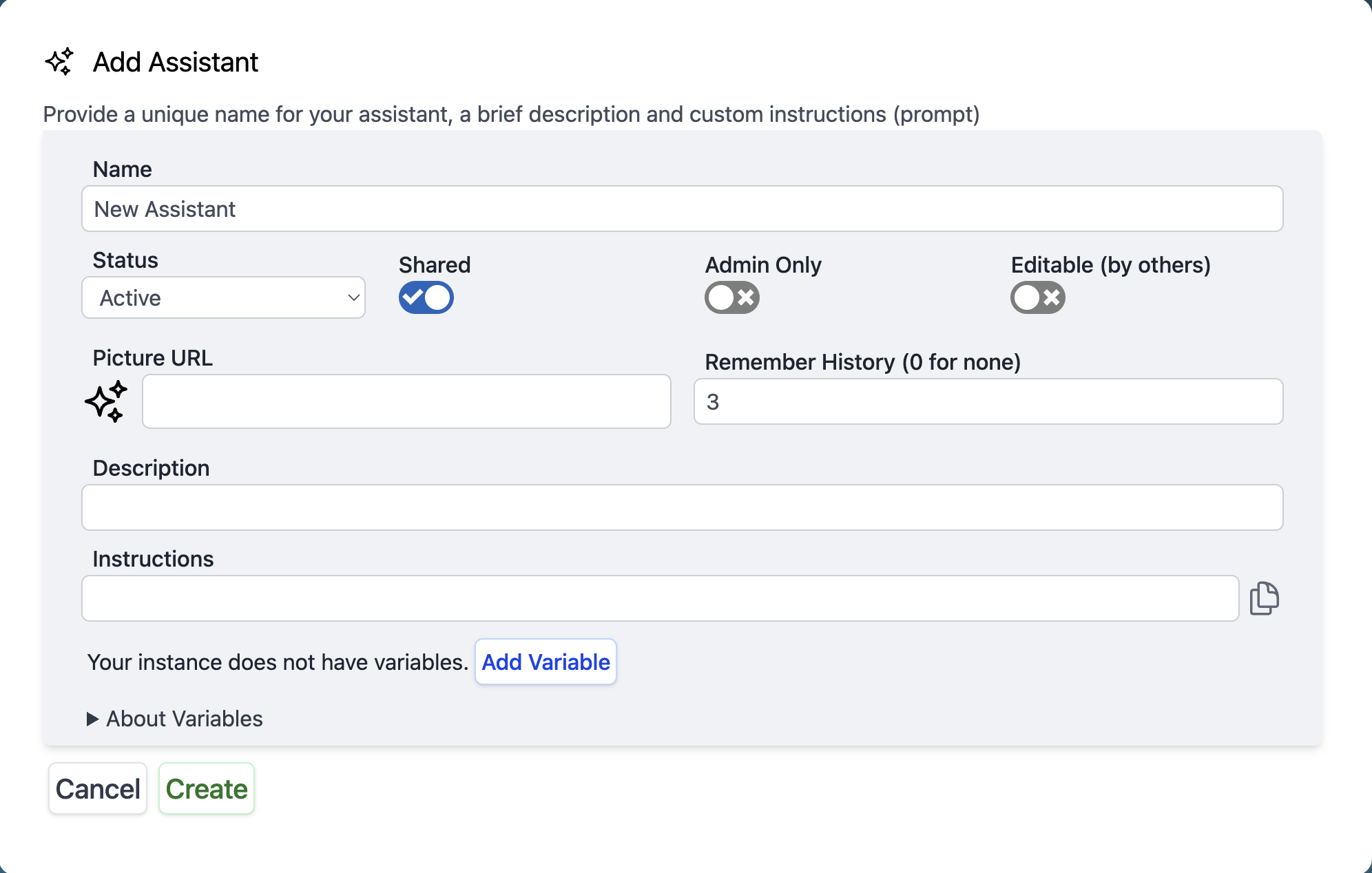
Click Add to create a new assistant
3
Configure
Set the name, description, and optionally an icon. Configure advanced options like history settings and model override.
4
Write Instructions
Add your assistant’s prompt—the instructions that define how it behaves. You can insert reusable values with variables (
${variable_name}) and pin the Variables sidebar while editing.5
Save & Use
Click Create, then start a conversation with your new assistant
Administrator Options
Administrators have additional controls for managing assistants across the organization.
- Share with Instance: Make an assistant available to everyone in the Digital Twin
- Share across Account: Extend a shared assistant to every instance under the same account
- Admin Only: Hide a shared assistant from non-admin users
- Editable by others: Let other administrators modify the assistant
- Curate the gallery: Use the Configure button to control which assistants are available in the instance
- RAG collection scope: Restrict which document collections an assistant searches
- Tool configuration: Control which AI tools each assistant can use
Example: Digital Twin vs Assistants in Practice
Example: Digital Twin vs Assistants in Practice
Construction Industry Example
Digital Twin: “Mike Rodriguez - General Contractor”Mike is a 25-year construction veteran who started as a framer. He’s direct, detail-oriented, and won’t cut corners. This is the personality that clients interact with.Mike’s Assistants:How they work together:When a client asks about adding a basement bathroom, Mike responds with his authentic personality and experience. Behind the scenes, he orchestrates his assistants:
- Plumbing Assistant calculates pump requirements and code compliance
- Construction Playbook outlines permits and inspection schedule
- Masonry Assistant advises on concrete cutting